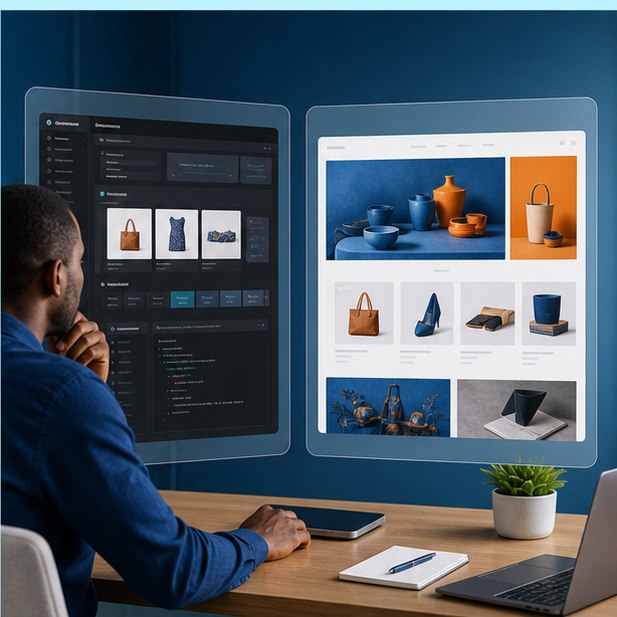
Make paying feel simple and safe
M-Pesa Website Integration in Kenya: Options, Costs, and Mistakes
Understand payment links, STK Push, till and paybill flows, callbacks, receipts, and the operational work behind a reliable checkout.
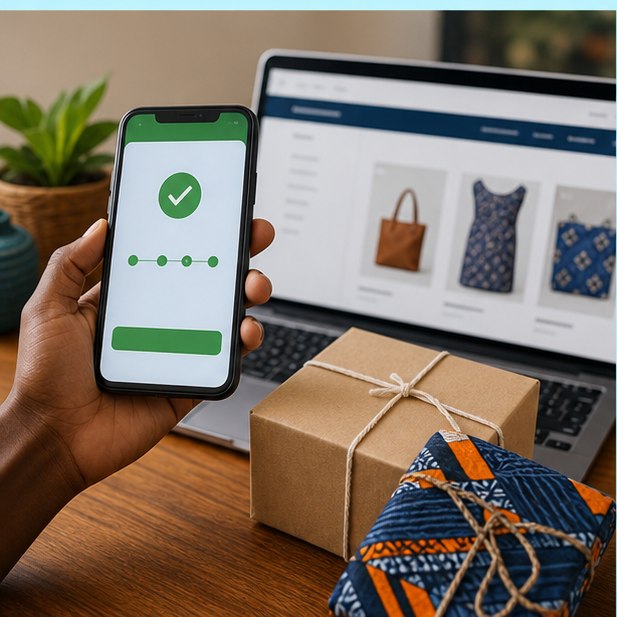
The right M-Pesa setup depends on order volume and automation needs: manual confirmation can suit a tiny launch, while STK Push plus secure callbacks is better when orders, stock, receipts, and fulfilment must update automatically.
The short version
What you will take away
Choose the flow based on reconciliation, not novelty.
Never trust the browser alone as proof of payment.
Design for failed, delayed, duplicated, and cancelled payments.
Show customers what happens immediately after they pay.
Choose the simplest suitable payment flow
A small catalog that confirms a few orders manually has different needs from a shop processing hundreds of transactions. Start with operational reality, then choose payment links, manual till confirmation, or an API-based flow.
Understand STK Push and callbacks
With STK Push, the website requests payment and the customer confirms on their phone. The reliable source of truth is the signed server-to-server result, not a success screen shown in the browser.
Design the full payment experience
Customers need clear amount, merchant identity, phone guidance, waiting feedback, and a useful result if the prompt expires or the network delays. Good payment UX reduces support calls.
Budget for integration and operations
Costs can include provider onboarding, developer work, gateway fees, hosting, security, monitoring, and reconciliation support. A cheap connection that fails silently during sales is not cheap.
Your action checklist
Turn the idea into action
Planning an online payment journey?
JengaSites can scope the shop, payment flow, and post-payment operations before development begins.
Request a quoteJengaSites Editorial
Practical website guidance for Kenyan businesses and organisations.