Make the first message easier to send
How to Turn Website Visitors into WhatsApp Leads
Design better click-to-WhatsApp journeys, qualify enquiries before the chat begins, and measure which pages generate valuable conversations.
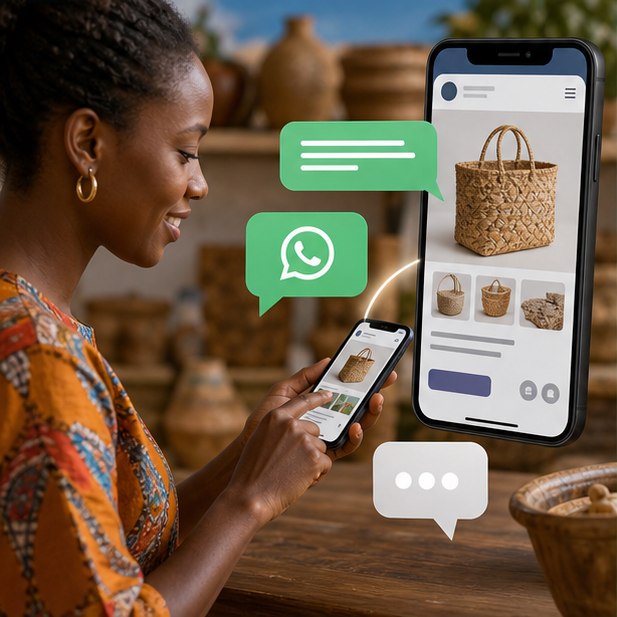
Place WhatsApp where a visitor has enough context to act, prefill a useful message, set response expectations, and track the click source. A floating icon alone rarely produces qualified leads.
The short version
What you will take away
Give context before asking visitors to chat.
Prefill the message with the page or offer.
State normal response hours.
Track clicks and qualified conversations separately.
Place WhatsApp at moments of intent
A visitor comparing services needs a different prompt from someone reading a policy page. Put the strongest chat invitation near pricing guidance, product details, availability, booking information, and the end of persuasive sections.
Write a useful prefilled message
“Hi” forces the team to ask basic questions again. A prefilled message can identify the service, product, location, or campaign while still letting the customer edit it.
Prepare the receiving team
Conversion design fails if messages sit unanswered or customers receive inconsistent information. Set hours, routing, saved replies, escalation, and a simple lead-recording habit.
Measure quality, not just taps
A click event shows interest, not revenue. Review which pages start conversations, how many chats are qualified, and which questions should be answered on the website before the customer messages.
Your action checklist
Turn the idea into action
Want better enquiries—not only more chats?
We can redesign your pages and WhatsApp journey around qualification and response speed.
Request a quoteJengaSites Editorial
Practical website guidance for Kenyan businesses and organisations.